

Congratulations on your new Tesla! I still remember the excitement I felt when I first got behind the wheel. That huge central screen, all those options, menus to explore… but also that slight apprehension of not knowing where to start.
The truth is, the new Tesla owner settings configured at the factory aren’t always optimal for your daily use. I spent hours testing all the parameters on my Tesla, making mistakes, going back and forth, to finally identify the configurations that truly make a difference.
Today, I’m sharing these 7 essential new Tesla owner settings that you should change from your first use. Simple adjustments, accessible even if you’re new to the central screen, but they will transform your experience from day one.
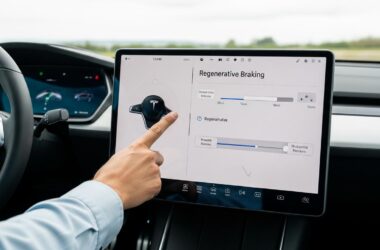
1. Adjust Brake Regeneration for Smoother Driving
Why Change This Setting from the Start
The default “Standard” mode can really surprise new drivers. Every time you lift your foot off the accelerator, you feel that abrupt braking sensation, which can be unsettling at first.
Besoin d'accessoires pour ta Tesla ?
Looking for accessories for your Tesla?
My advice after several months of experience: start in “Low” mode, then progress to “Standard” once you’re comfortable. That’s exactly what I did, and my passengers thanked me for it!
To access: Controls > Pedals & Steering > Regenerative Braking.
The Impact on Your Driving Range and Comfort
Strong regeneration can recover up to 15% of your driving range on your daily commutes. A real bonus! But be aware, adaptation is still necessary, especially for passengers prone to motion sickness.
My personal experience: it took me about 2 weeks to fully get used to “Standard” mode. Today, I couldn’t do without it.
“Hold” mode even allows you to drive with a single pedal in 90% of situations. The car stops completely every time you lift your foot. Magic in the city!
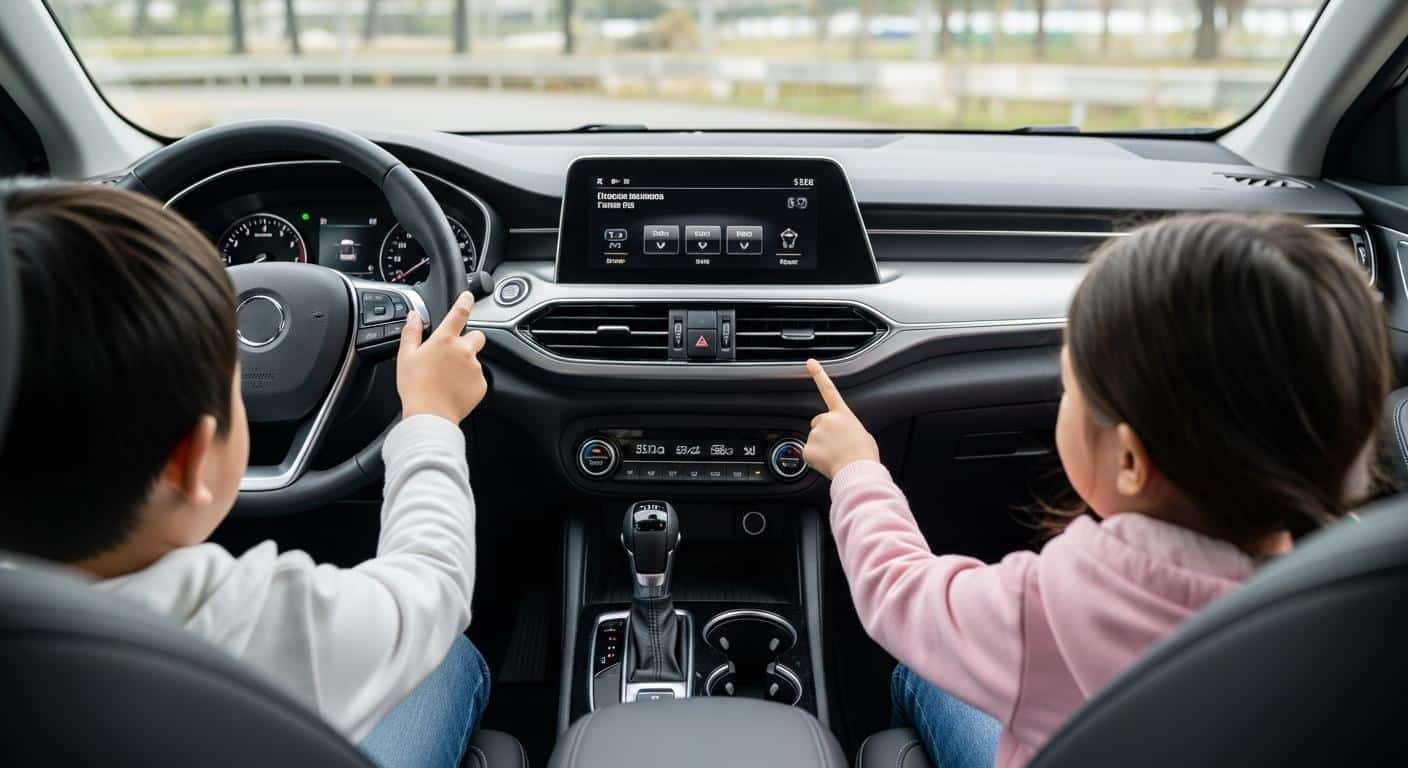
2. Customize the Driver Display
The default displayed information doesn’t always match your actual needs. This was one of the first settings I changed, and what a difference it made!
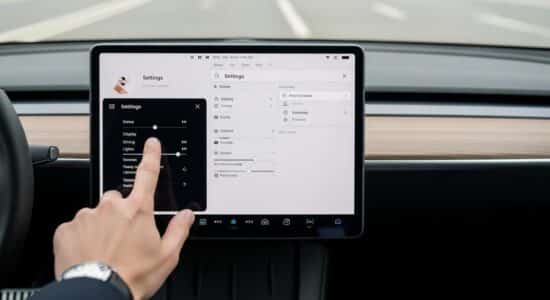
To customize your driver display, simply swipe up on the driving screen. You’ll then access a complete menu of options.
My recommendations for an optimal customized display:
- Display driving range in percentage AND kilometers (my two favorites for planning my trips)
- Enable the large-format digital speedometer
- Display real-time energy consumption (you’ll quickly learn to optimize it)
- Customize quick shortcuts at the bottom of the screen
My winning trio of shortcuts: heated seat, rearview camera, and wipers. Three functions I use daily and that are now at my fingertips.
3. Configure Driving Mode and Steering
Choose between Chill and Standard based on your profile
The Chill mode offers gentle acceleration, ideal for beginners and saving energy. The “Standard” driving mode, on the other hand, offers normal acceleration but is already impressive compared to a combustion vehicle.
My advice for the first 1000 kilometers: stay in Chill. You’ll have plenty of time to explore your Tesla’s power later. Believe me, even in Chill, you’ll surprise more than one driver at traffic lights!
Path: Controls > Pedals Steering > Acceleration Mode.
The difference in energy consumption between the two modes? About 10% in my experience, especially if you have a light foot in Chill.
Besoin d'accessoires pour ta Tesla ?
Looking for accessories for your Tesla?
Steering: Comfort or Sport?
The power steering in “Comfort” mode is enabled by default, but personally, I prefer “Standard” mode, which offers a better road feel.
“Sport” mode will delight thrill-seekers, but I find it a bit heavy for daily use, especially in the city.
My tip: test all three modes in an empty parking lot before choosing. It’s very subjective and unique to each driver.
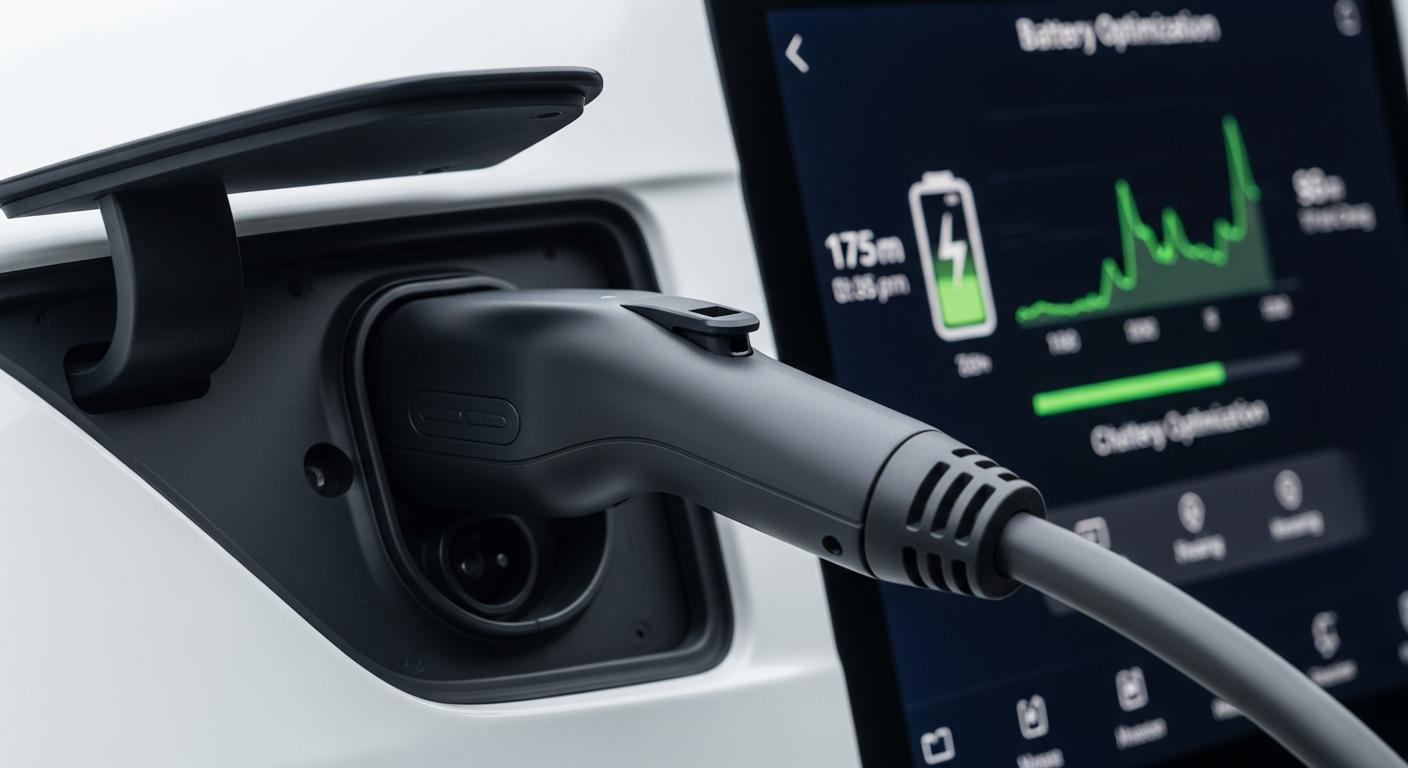
4. Optimize Charging to Preserve the Battery
Here’s the crucial setting for your battery’s longevity. By default, the charge limit is often set to 90%, but I recommend 80% for your daily use.
Path: Charging > Daily Charge Limit.
Keep 90-100% only for long trips. It’s the best way to preserve the battery long-term, and Tesla officially recommends it.
If you charge at home, remember to schedule off-peak hours. My monthly savings: about €30 just by charging at night instead of during the day.
My advanced tip: define charging locations with different limits. At home: 80%. Before a road trip: 100%. The car will automatically apply the correct setting based on your location.
Don’t forget to enable the charge completion notification. Very useful in public parking lots to quickly free up the charging station and avoid idle fees.
To effectively optimize your Supercharger charging sessions, these principles remain valid when traveling.
5. Activate Safety and Monitoring Features
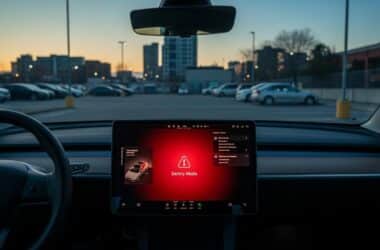
The Sentry Mode (or Sentry Mode) is absolutely essential, but be aware, it’s energy-intensive.
To activate it: Safety > Sentry Mode.
The trap I discovered the hard way: if you leave it active everywhere, you’ll lose 5 to 10% of driving range per day, even when parked. My solution: disable Sentry Mode in safe places.
Systematically exclude your home and workplace from monitoring zones. You’ll save a lot of energy without compromising your safety.
The Tesla Dashcam allows continuous camera recording, but requires a USB drive. I recommend a USB 3.0 drive of at least 64 GB, formatted correctly according to Tesla specifications.
My personal experience: I was once saved by Sentry Mode during a parking lot fender bender. The images clearly established the other driver’s responsibility. Priceless!
Last safety setting: enable automatic locking when exiting the vehicle. Simple but so practical for daily use.
6. Customize Comfort and Climate Settings
Automatic preheating via scheduled departure truly changes life in winter. Activate it and your Tesla will be at the ideal temperature every morning.
For the heated seat, save your preferred temperature in your driver profile. Same for the heated steering wheel: I configured it to activate automatically below 10°C.
The “Keep” mode of the Tesla climate control is particularly useful during short stops. Your car stays at a good temperature while you run errands, without wasting too much energy.
Regarding energy consumption, the “Eco” vs “Auto” mode debate is worth considering. Eco reduces energy consumption by about 15% but with slightly reduced comfort. I use Eco on the highway and Auto in the city.
My golden tip: create different driver profiles if you share your Tesla. Each profile saves the seat position, mirror settings, and all climate control settings.
To create a profile: tap the driver icon in the top left of the screen, then “Add New Driver”.
7. Configure Daily Shortcuts and Practical Functions
Remote access via the mobile app is a revolution. Absolutely enable all permissions from the start. Preheating, checking charge, locating your car… everything becomes possible from your smartphone.
Sharing a digital key with your spouse or family avoids the hassle of physical keys. One person = one phone = one access. Simple and effective.
Program the automatic trunk opening upon approach. With arms full of groceries, it’s a real joy.
The Easy Entry function automatically moves the steering wheel and seat back upon exit. For someone tall like me, it’s absolute comfort for daily use.
You can even customize the sounds: horn, lock, alarm. I kept the default settings, but some owners love to customize these details.
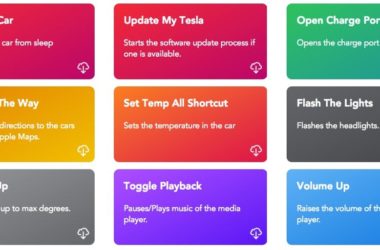
My favorite tip: create custom Siri or Google Assistant shortcuts. “Hey Siri, preheat my Tesla” from your couch, and the car obeys. Magic for winter mornings! You can even create even more advanced shortcuts to control your Tesla according to your specific needs.
Finally, enable geolocation to easily find your car in large parking lots. I lost 15 minutes looking for my Tesla in an airport parking lot before activating this feature. Don’t make the same mistake!
There you have it, these 7 essential Tesla settings will truly save you valuable time and improve your daily experience. Don’t hesitate to experiment, everything is reversible in the menus.
My last piece of advice as a new owner who has tested dozens of configurations: take an hour on the first weekend to calmly test everything. Explore each menu, change settings, test on the road.
The beauty of Tesla is that updates regularly add new options. Your Tesla will literally improve over time, like a smartphone on wheels.
If you drive a Model Y, I also recommend discovering other essential Model Y tips to complete your mastery of the vehicle.
To go even further in customization, you can consult the official documentation which details all available parameters.
Now, enjoy every drive, experiment with these settings, and most importantly… you’re going to love this car!
Profitez d'avantages exclusifs en achetant votre Tesla
Vous envisagez d'acquérir une Tesla ? En utilisant mon code de parrainage lors de votre achat, vous pouvez bénéficier d'avantages exceptionnels !
Des kilomètres gratuits de recharge ou d'autres récompenses exclusives, mon code de parrainage est votre passeport pour des avantages supplémentaires : https://ts.la/antoine49352 🤩
Pas de pression, juste une opportunité à saisir pour enrichir votre expérience Tesla.
Découvrez ici le système du parrainage et comment utiliser le code.
Get exclusive perks when buying your Tesla
Thinking about getting a Tesla? If you use my referral code when you purchase, you may be eligible for extra perks.
Free Supercharging miles or other exclusive rewards - my referral code can unlock additional benefits: https://ts.la/antoine49352 🤩
No pressure - just a simple option if you want to enhance your Tesla experience.
Learn how the Tesla referral program works and how to use the code.