

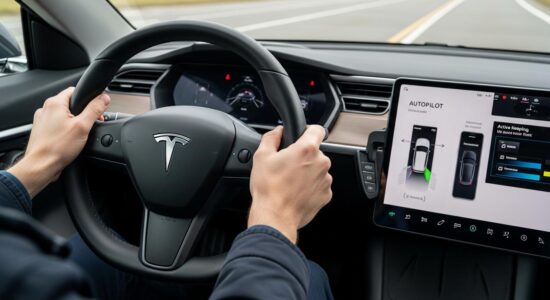
I still remember my first time with Autopilot: a mix of excitement and apprehension when I pulled the right stalk twice. The car took control, and for a few seconds, I had that strange feeling of letting go.
Autopilot is undoubtedly one of Tesla’s most impressive features, but also one of the most misunderstood. Many new owners make Tesla Autopilot mistakes that can compromise their safety and the safety of others.
My goal today? To share with you the 5 pitfalls to absolutely avoid for calm and responsible use of this technology. Some mistakes seem harmless on paper, but can have serious consequences on the road.
If you’re new to Autopilot or have just acquired your Tesla, this article will save you valuable time and, most importantly, spare you unnecessary scares. To go further, don’t hesitate to discover other essential features of your Tesla.
Besoin d'accessoires pour ta Tesla ?
Looking for accessories for your Tesla?
Mistake #1 – Believing Autopilot is fully autonomous driving
This is THE most common, and probably most dangerous, misconception: no, you cannot take a nap, watch Netflix, or read your emails while Autopilot is active.
A very clear distinction must be made between Autopilot and Full Self-Driving (FSD). Standard Autopilot is an advanced driver-assistance system, not an autonomous driving system. Even with FSD, you remain in control.
You are ALWAYS responsible for driving, legally and morally. The system alerts that ask you to touch the steering wheel are not just for show: they are absolutely crucial for your safety.
I remember a time when Autopilot didn’t detect a truck suddenly cutting in front of me. My immediate human intervention prevented the accident. The system is impressive, but not infallible.
The steering wheel must constantly feel your presence with slight pressure. It’s non-negotiable.
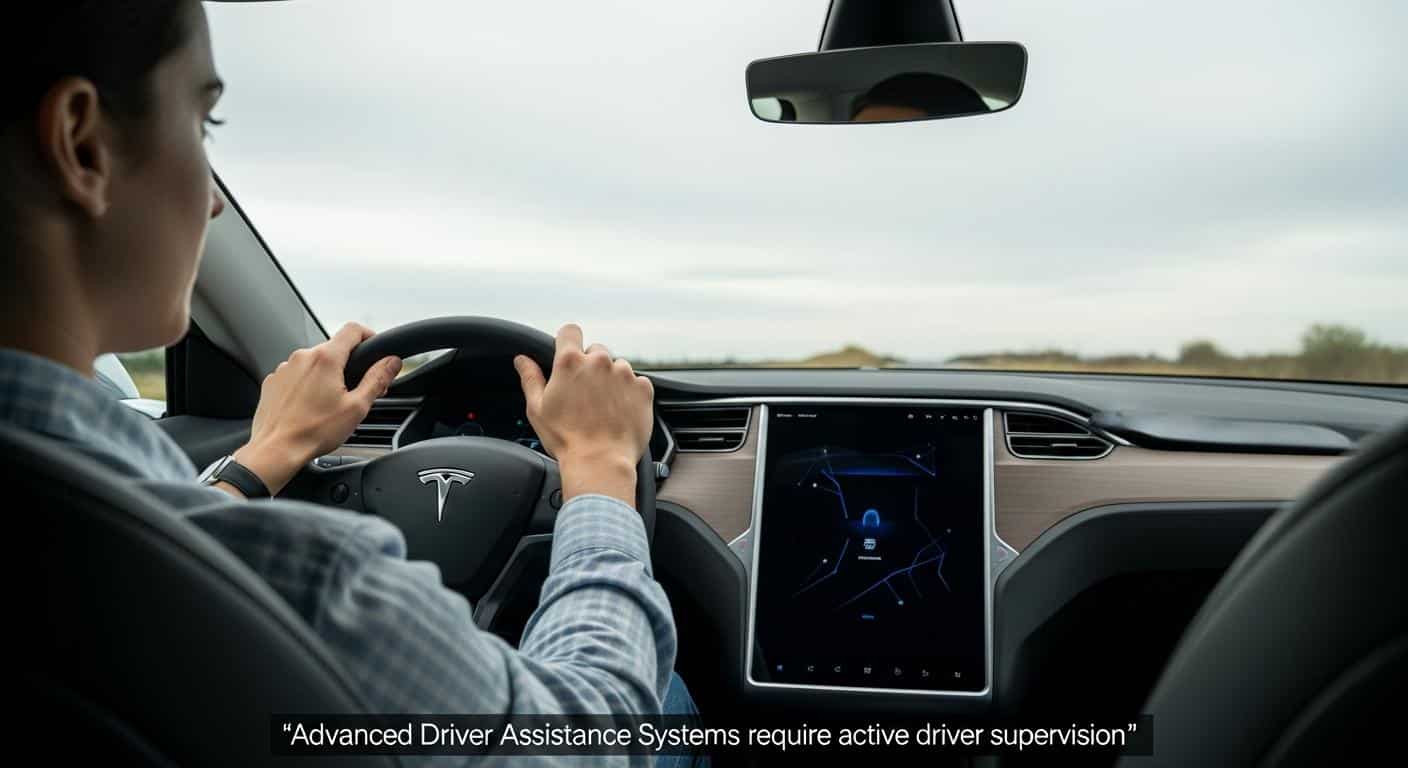
Mistake #2 – Completely letting go of the steering wheel and looking away from the road
It’s the natural temptation: “the car drives itself, I can finally relax and check my messages.” FALSE, absolutely false.
Your hands must remain on the steering wheel, or at least in immediate proximity, ready to take back control in a fraction of a second. The hand detection system isn’t there to annoy you: it forces you to stay vigilant.
The dangers of checking your phone, eating a sandwich, or turning around to talk to rear passengers are tenfold with Autopilot. Why? Because you think you’re safe, while the system might encounter a situation it can’t handle.
Autopilot can misinterpret faded road markings, unusual situations like roadworks, or unpredictable behavior from other drivers. My advice for the first few weeks? Keep both hands on the steering wheel, period.
The right habit to adopt
Here’s how I personally proceed:
- Hands at 9 and 3 o’clock position or one hand at the bottom of the steering wheel with constant light pressure
- Eyes on the road exactly as in normal manual driving
- Consider Autopilot an attentive co-pilot, never an airline pilot that allows you to doze off
This constant attention must become an automatic reflex, not a constraint.
Mistake #3 – Using Autopilot in unsuitable conditions
Autopilot is not a magic system that works everywhere, all the time. It has very concrete Autopilot limitations that you absolutely must know.
Difficult weather conditions are its primary enemy: heavy rain, snow, thick fog, black ice… In these situations, I strongly recommend disabling the system and taking full control.
Besoin d'accessoires pour ta Tesla ?
Looking for accessories for your Tesla?
Winding mountain roads, poorly marked country lanes, or small departmental roads with dubious road markings are to be absolutely avoided for your first uses.
Construction sites, temporary detours, and complex traffic situations (like roundabouts with multiple close exits) challenge Autopilot. I’ve learned through experience to instantly recognize when it’s better NOT to activate it.
Ideal conditions to start
For your first time, choose:
- A well-maintained highway with clear and visible white markings
- Mild weather with excellent visibility
- Moderate traffic: neither a complete jam nor ultra-dense and stressful traffic
- Daytime: natural light is preferable for starting
These conditions will allow you to familiarize yourself with the system with complete peace of mind.
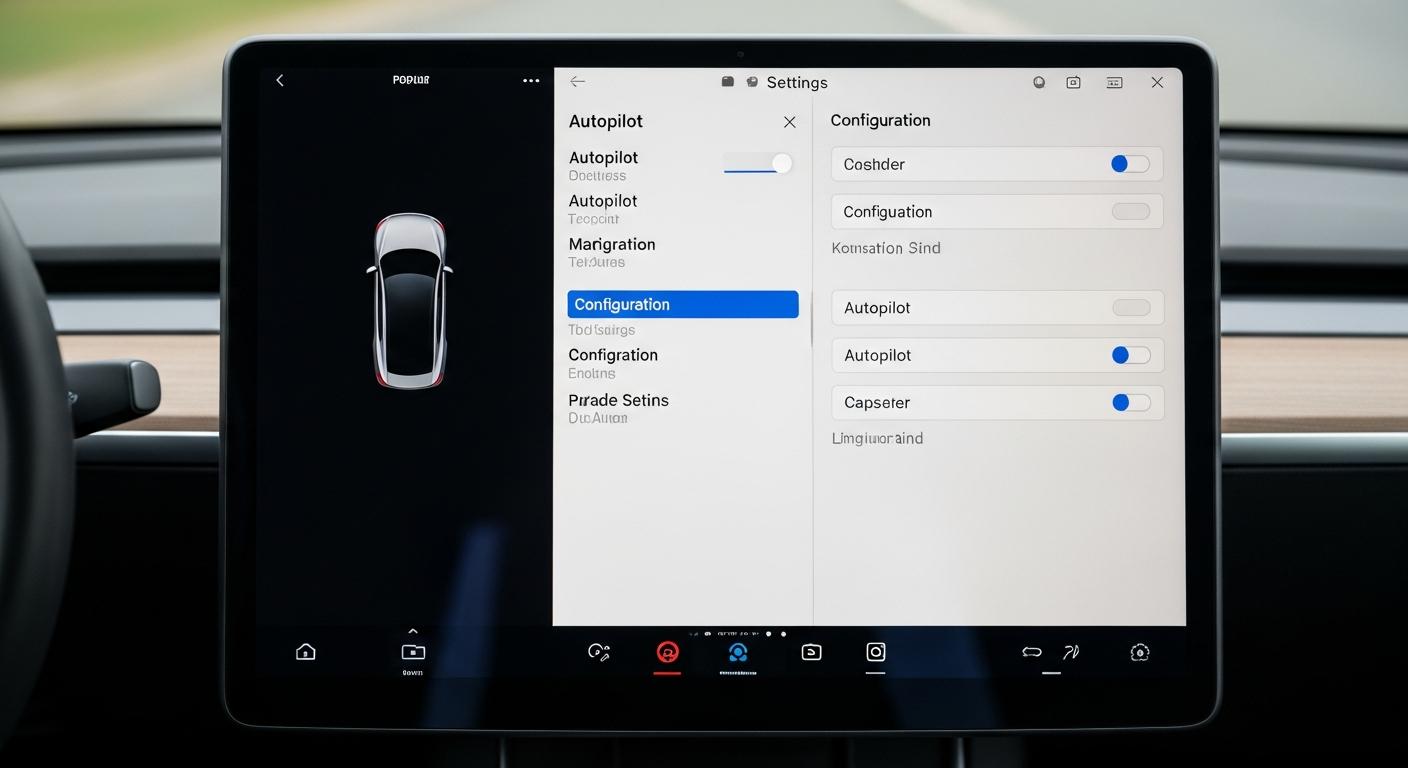
Mistake #4 – Not configuring the settings correctly before starting
Too many owners activate Autopilot without taking 5 minutes to explore the Autopilot settings. It’s a shame, because these settings completely change the experience.
Here are the essential settings to check BEFORE your first use:
- Safety distance from the vehicle ahead (7 levels available from 1 to 7)
- Maximum allowed speed in Autopilot mode
- Lane departure alerts activated or not
- Automatic lane changes (I recommend deactivating at first)
My beginner’s tip: always start with the maximum safety distance (level 7). Yes, you’ll feel like your Tesla is too cautious and that other cars are cutting in front of you. That’s normal.
Gradually reduce this distance as you gain confidence and better understand the system’s reactions. Don’t hesitate to customize the settings according to your driving style and comfort level.
You can quickly access Autopilot settings using Tesla shortcuts, which will save you valuable time daily.
Mistake #5 – Ignoring system alerts and forcing use
When the system warns you that conditions are not optimal, LISTEN TO IT. It’s as simple as that.
The most frequent system alerts include “Autopilot unavailable” or “Apply slight force to the steering wheel.” These messages are not suggestions; they are safety warnings.
I’ve seen drivers try to bypass alerts by placing objects on the steering wheel or using other foolish tricks. This is dangerous, irresponsible, and potentially fatal behavior. NEVER do that.
If Autopilot deactivates automatically, it’s for a very good reason. Automatic deactivation is not a bug; it’s a protection. Respect the system’s limitations: it learns and constantly improves thanks to collected data.
Software updates regularly improve Autopilot’s capabilities. Some trips I make today without any issues were impossible with Autopilot two years ago. You have to be patient and trust the continuous improvement process.
To understand the operation and official recommendations in detail, you can consult the complete user manual which details all technical aspects.
My personal checklist before activating Autopilot
Here is the Autopilot checklist I mentally use before each activation:
- ✓ Favorable weather conditions (no intense rain, good visibility)
- ✓ Suitable road: well-marked highway or expressway with clear markings
- ✓ Settings checked and adapted to my current comfort level
- ✓ Hands positioned and ready to take back control instantly
- ✓ 100% attention on the road ahead
- ✓ No distractions: phone put away, no food
Safety first: Autopilot is a fantastic tool that makes long highway journeys much less tiring. But this technology remains a driving assistant, not a replacement driver.
The driver’s responsibility remains full, every second, for every kilometer traveled. Once you’ve integrated this fundamental principle, Autopilot becomes a real pleasure to use daily.
And you, what was your first experience with Autopilot? Did you make any of these mistakes? Feel free to share your feedback in the comments; it can help other new Tesla owners!
Profitez d'avantages exclusifs en achetant votre Tesla
Vous envisagez d'acquérir une Tesla ? En utilisant mon code de parrainage lors de votre achat, vous pouvez bénéficier d'avantages exceptionnels !
Des kilomètres gratuits de recharge ou d'autres récompenses exclusives, mon code de parrainage est votre passeport pour des avantages supplémentaires : https://ts.la/antoine49352 🤩
Pas de pression, juste une opportunité à saisir pour enrichir votre expérience Tesla.
Découvrez ici le système du parrainage et comment utiliser le code.
Get exclusive perks when buying your Tesla
Thinking about getting a Tesla? If you use my referral code when you purchase, you may be eligible for extra perks.
Free Supercharging miles or other exclusive rewards - my referral code can unlock additional benefits: https://ts.la/antoine49352 🤩
No pressure - just a simple option if you want to enhance your Tesla experience.
Learn how the Tesla referral program works and how to use the code.