


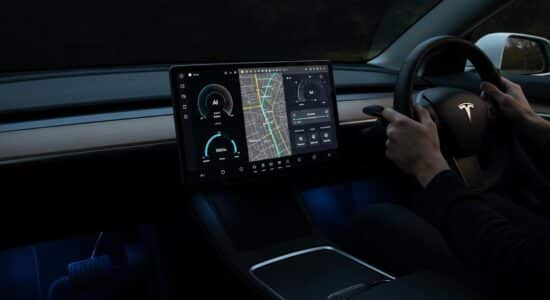
Since February 16, 2026, my Tesla has been talking to Grok, the AI assistant developed by xAI, Elon Musk’s company. And I’m not the only one: this feature is rolling out in 9 European countries, including France, Germany, Spain, and Italy.
In practice, Grok lets you ask questions in real time, get smart navigation recommendations, or even choose between several AI personalities to make the experience more fun. But be warned: not everyone will be able to use it.
There are some pretty restrictive technical requirements, especially when it comes to the onboard processor. Here’s everything I’ve found out about this new feature, with an honest user review of what really works… and what’s still limited.
Grok is coming to Teslas: what actually changes for us
On February 16, 2026, Tesla Europe officially launched Grok in 9 European countries: the UK, Ireland, Germany, Switzerland, Austria, Italy, France, Portugal, and Spain. The promise? A gradual rollout to other European markets in the coming months.
Besoin d'accessoires pour ta Tesla ?
Looking for accessories for your Tesla?
In day-to-day use, this means a smart conversational assistant is now built right into your vehicle. You can ask it all kinds of questions, get answers in real time, and benefit from navigation help that’s more contextual than before.
But be warned: Grok does not replace Tesla’s classic voice commands. If you want to adjust the A/C, change music, or open the windows, you’ll still need to use Tesla’s traditional voice assistant. Grok focuses on information and smart navigation.
It’s an interesting step forward, but you need to understand what it does (and doesn’t) do so you’re not disappointed. We’re not yet looking at an all-in-one assistant that controls the entire vehicle.
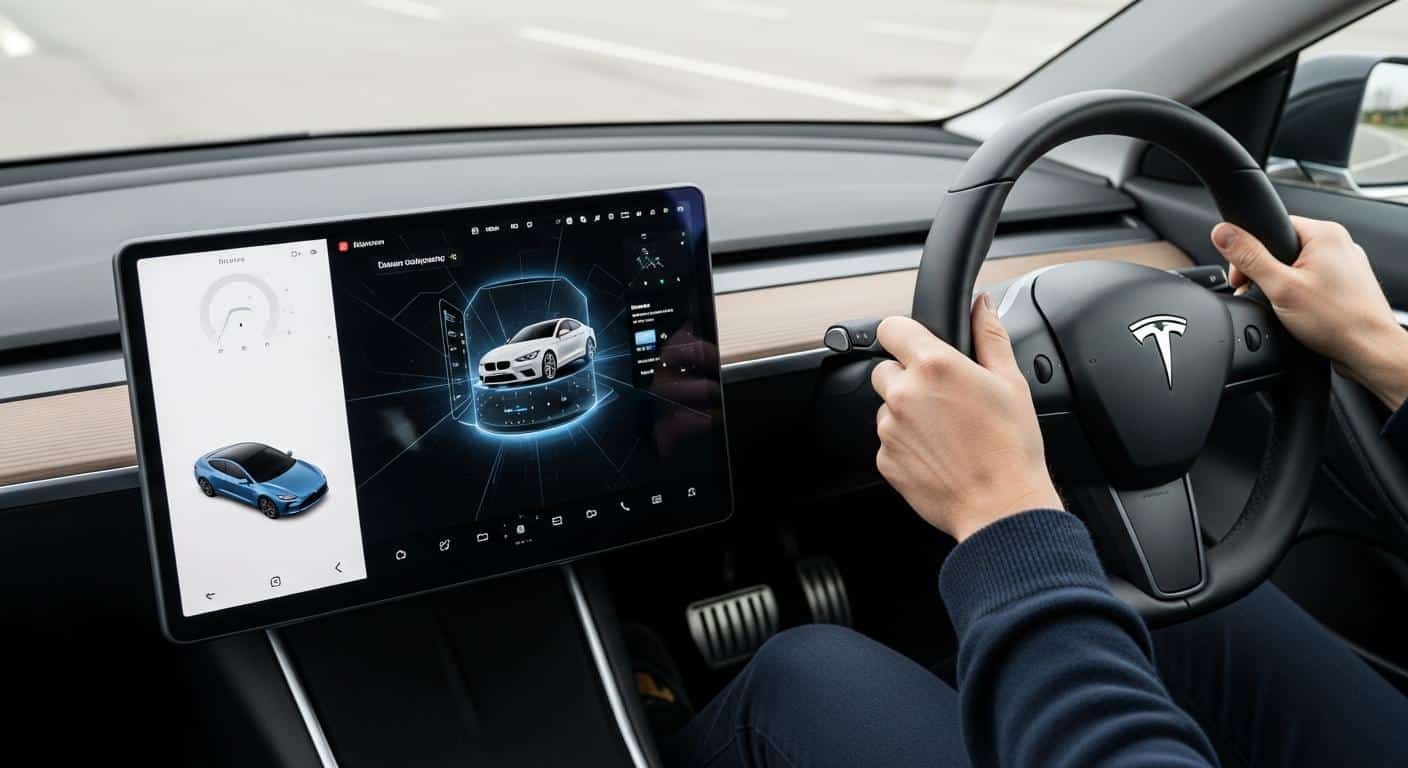
How I use Grok in my Tesla every day
Enable Grok: two simple methods
To launch Grok, you have two options:
- Press and hold the microphone button on the steering wheel (the one you already use for voice commands)
- Via the App Launcher on the center screen, where a Grok icon now appears
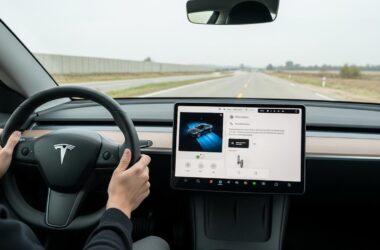
The interface is intuitive and responsive. In just a few seconds, you’re connected to the assistant and ready to ask your questions. You can also customize the center screen with advanced features to optimize your in-car experience even more.
The features I actually use
Since Grok has been active in my Tesla, here are the uses that genuinely help me day to day:
- Smart navigation: “Find me a charging station with a café nearby” — and Grok suggests several contextual options
- Hands-free navigation commands: Starting with software version 2025.44.25, I can search for destinations using only my voice, without touching the screen
- Real-time questions: Weather on my route, general info, restaurant recommendations… Grok answers quickly and pretty well
- AI personalities: From “Storyteller” mode (narrative and calm) to “Unhinged” mode (wild), it’s fun… but not always useful
That said, Grok doesn’t control the vehicle: no temperature adjustment, no music controls, no opening the windows. For that, I keep using Tesla’s classic voice commands, which I can also customize with voice and touch shortcuts.
One use case I particularly like: when I’m planning a long trip, I ask Grok to find Superchargers with specific amenities nearby. It complements the automatic battery preconditioning feature to optimize your trip to Superchargers really well.
Is your Tesla compatible with Grok? Requirements to check
The hardware requirement (and it’s the most restrictive)
This is THE sticking point: your Tesla must be equipped with an AMD processor (required). If your vehicle still has an Intel processor, you’re unfortunately excluded from Grok.
To check which processor you have, go to Vehicle Info > Software > Processor Details. In general, pre-2021 Model S and Model X, as well as pre-mid-2021 Model 3 and Model Y, are affected by this limitation.
I understand the frustration of owners who are left out. It’s a hardware limitation that’s hard to work around, and it raises questions about the long-term upgradability of older Teslas.
Other technical requirements
If you have the right processor, here’s what else you need:
- Minimum software version: 2025.26
- For voice navigation: Version 2025.44.25 or later
- Connectivity required: Premium Connectivity (Tesla’s paid subscription) OR a stable Wi-Fi connection
- Compatible models: Tesla Model S, Model 3, Model X, Model Y, Cybertruck (all AMD-equipped)
Without Premium Connectivity, you can still use Grok by connecting to a Wi-Fi network. Handy at home or in some parking lots, but less so on the road.
Besoin d'accessoires pour ta Tesla ?
Looking for accessories for your Tesla?

Privacy and free access: what you need to know about data
All your interactions with Grok are sent to xAI’s servers, Elon Musk’s company. It’s this processing by xAI that allows the assistant to work and improve.
According to Tesla, the data is anonymized: no information linked to your identity, your account, or your vehicle is directly associated with your conversations. You can review the detailed privacy policy directly in your Tesla’s Grok settings.
More good news: for now, Grok is free in your Tesla. You don’t need to subscribe to a Grok plan (like the one offered on X) to use it in the car.
But the obvious question remains: how long will it stay free? Tesla could very well decide, over time, to include Grok in a paid offer or make certain advanced features dependent on a subscription. For now, nothing has been announced, but it’s worth staying cautious.
Why Tesla is integrating Grok now: the strategic context
Grok’s arrival in European Teslas isn’t a coincidence. It’s part of an xAI–Tesla synergy pushed by Elon Musk, who’s looking to unify his ecosystem around X (formerly Twitter), xAI, and Tesla.
On the competitive front, Tesla is catching up with other manufacturers that already integrate Google Assistant or Alexa in their vehicles. Embedded AI is becoming a standard, and cars are gradually turning into conversational platforms.
For Tesla, the benefits are multiple: competitive differentiation, data collection to improve AI, and laying the groundwork for autonomous driving. Over time, an assistant that truly understands your route, your habits, and your preferences could become a key part of the user experience.
So Grok is a first step—still imperfect—but it lays the foundation for deeper AI integration in our vehicles. As industry experts point out, this shift also raises essential questions about personal data protection and the privacy of in-car interactions.
In the end, Grok is an interesting step forward, but clearly a V1. The hardware limitations understandably frustrate some owners, and time will tell whether the feature stays free or becomes paid. For now, it’s a nice evolution of the Tesla experience in Europe—as long as you have the right hardware and the right expectations.
Profitez d'avantages exclusifs en achetant votre Tesla
Vous envisagez d'acquérir une Tesla ? En utilisant mon code de parrainage lors de votre achat, vous pouvez bénéficier d'avantages exceptionnels !
Des kilomètres gratuits de recharge ou d'autres récompenses exclusives, mon code de parrainage est votre passeport pour des avantages supplémentaires : https://ts.la/antoine49352 🤩
Pas de pression, juste une opportunité à saisir pour enrichir votre expérience Tesla.
Découvrez ici le système du parrainage et comment utiliser le code.
Get exclusive perks when buying your Tesla
Thinking about getting a Tesla? If you use my referral code when you purchase, you may be eligible for extra perks.
Free Supercharging miles or other exclusive rewards - my referral code can unlock additional benefits: https://ts.la/antoine49352 🤩
No pressure - just a simple option if you want to enhance your Tesla experience.
Learn how the Tesla referral program works and how to use the code.