


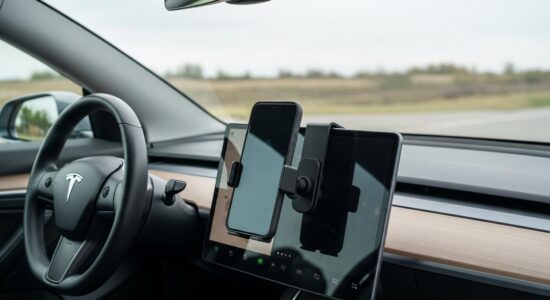
If you own a Tesla Model 3 or Model Y, you’ve probably noticed a peculiarity of their minimalist design: no dedicated spot to place your phone. Yet, your smartphone remains essential for daily use for GPS, music, or calls. I’ve tested several Tesla Model 3 Y phone mounts over the months, and today I’m sharing with you the solutions that have truly proven themselves with the community. Here’s my honest feedback to help you make the right choice.
Why a Good Phone Mount is Essential in a Tesla
A Matter of Safety and Practicality
Even if your Tesla has a native Bluetooth connection for music and calls, keeping your phone visible remains essential. Accessing the GPS without taking your eyes off the road significantly improves your safety. You can also easily control your favorite apps like Spotify or your podcasts.
Avoiding handling your phone while driving isn’t just a matter of comfort: it’s a necessity for your safety and that of others. A well-positioned mount allows you to check your screen with a quick glance, without dangerous gestures.
Specifics of the Model 3 and Model Y Interior
The Tesla interior stands out for its sleek aesthetics and premium materials. Whether you have the wood or Alcantara dashboard, you want to preserve this impeccable finish. Unfortunately, no mount is provided as standard.
Besoin d'accessoires pour ta Tesla ?
Looking for accessories for your Tesla?
Possible locations are limited: the air vents, the dashboard, or the center console. Each solution has its advantages depending on your usage and aesthetic preferences.
Essential Criteria for Choosing Your Tesla Phone Mount
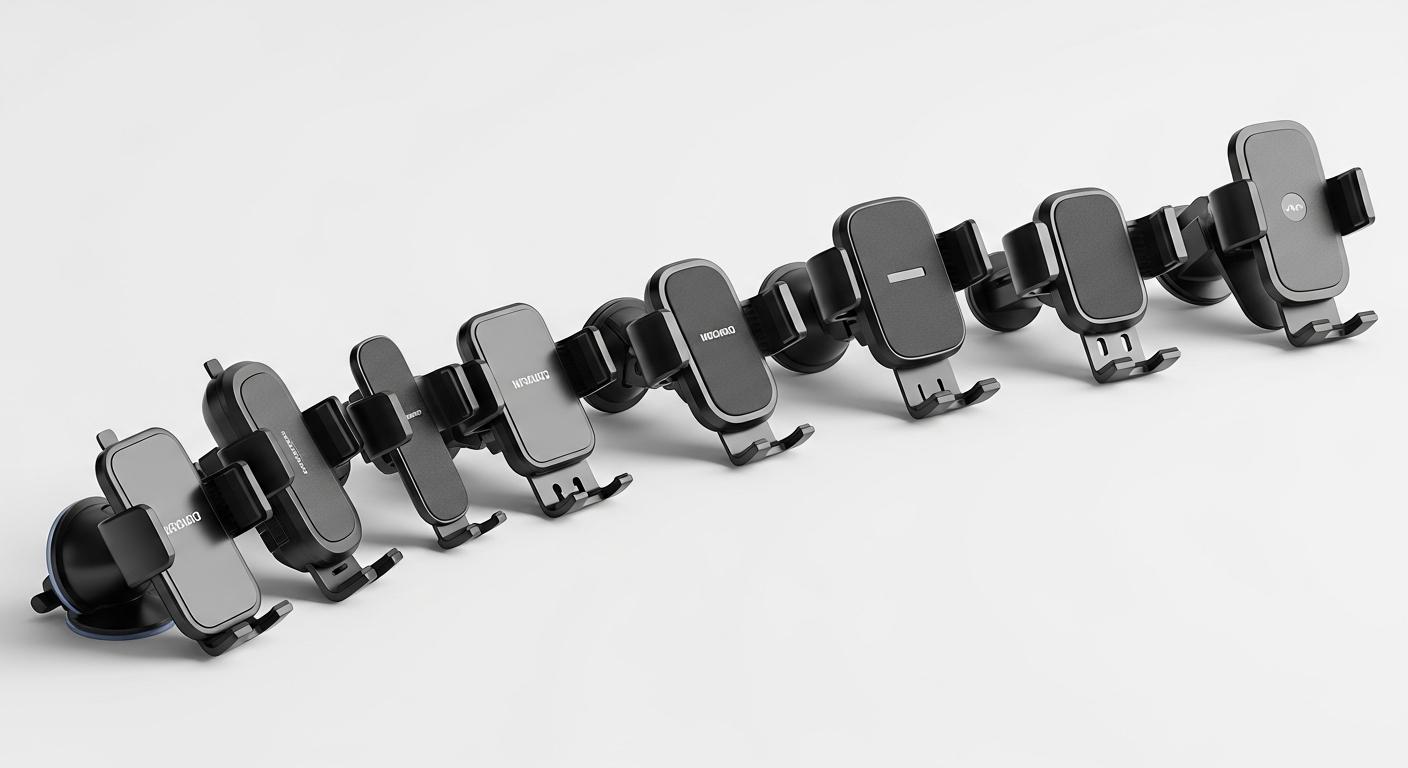
Before making a purchase, here are the criteria you absolutely must check:
- Stability: Your mount must withstand sharp turns, sudden braking, and the strong accelerations characteristic of Teslas
- Attachment Type: Air vent, 3M adhesive, magnetic, or clamp, depending on your preferences
- Compatibility: Make sure your iPhone or Android (regardless of its size) fits perfectly
- Aesthetics: A discreet design that harmoniously integrates with your Tesla’s interior
- Wireless Charging: The Qi induction function is convenient but not essential
- Ease of Installation: No tools, no marks, and ideally reversible
- Viewing Angle: Optimal positioning to view the screen without distraction
My Selection of the Best Mounts Tested by the Community
The Magnetic Air Vent Mount (My Favorite)
This is my favorite solution after several months of use. The principle is simple: a magnetic attachment that clips onto the ventilation grilles. You place a thin metal plate between your phone and its case, and you’re all set.
Pros: Ultra-fast installation, completely removable, no marks on your interior, and a truly sleek design. You can change the position in seconds if you want to test different placements.
Cons: The air vent can be slightly obstructed, which slightly reduces airflow. In summer or winter, this can be noticeable if you use the air conditioning a lot.
My tip: place the metal plate between your phone and its case so it remains invisible. Most user feedback confirms excellent stability, even on winding roads.
The Dashboard Mount with 3M Adhesive
If you prioritize absolute stability, this solution is for you. These mounts use a professional 3M adhesive that sticks firmly to the dashboard.
Pros: Maximum stability, customizable viewing angle, and the possibility to integrate wireless charging. Once installed, it won’t budge an inch. Compatible with your Tesla’s wood or black finishes.
Cons: The attachment is semi-permanent. You can remove it, but it may leave adhesive residue that will need careful cleaning. Think carefully about the placement before sticking it.
My experience: I’ve been using this type of mount for two years in my Model 3 and it holds perfectly. Zero movement, even during spirited drives.
The Special Tesla Center Console Mount
Some brands offer mounts specifically designed for Model 3 and Y that fit into the center console without attachment. These dedicated solutions ingeniously utilize existing spaces, like rear tablet mounts designed for children.
Pros: Perfect integration into the design, no attachment needed so no risk of marks, and a very successful aesthetic. You can remove it in a second if needed.
Cons: The position is sometimes a bit low, making the phone less accessible while driving. You’ll have to look down more to view the screen.
Besoin d'accessoires pour ta Tesla ?
Looking for accessories for your Tesla?
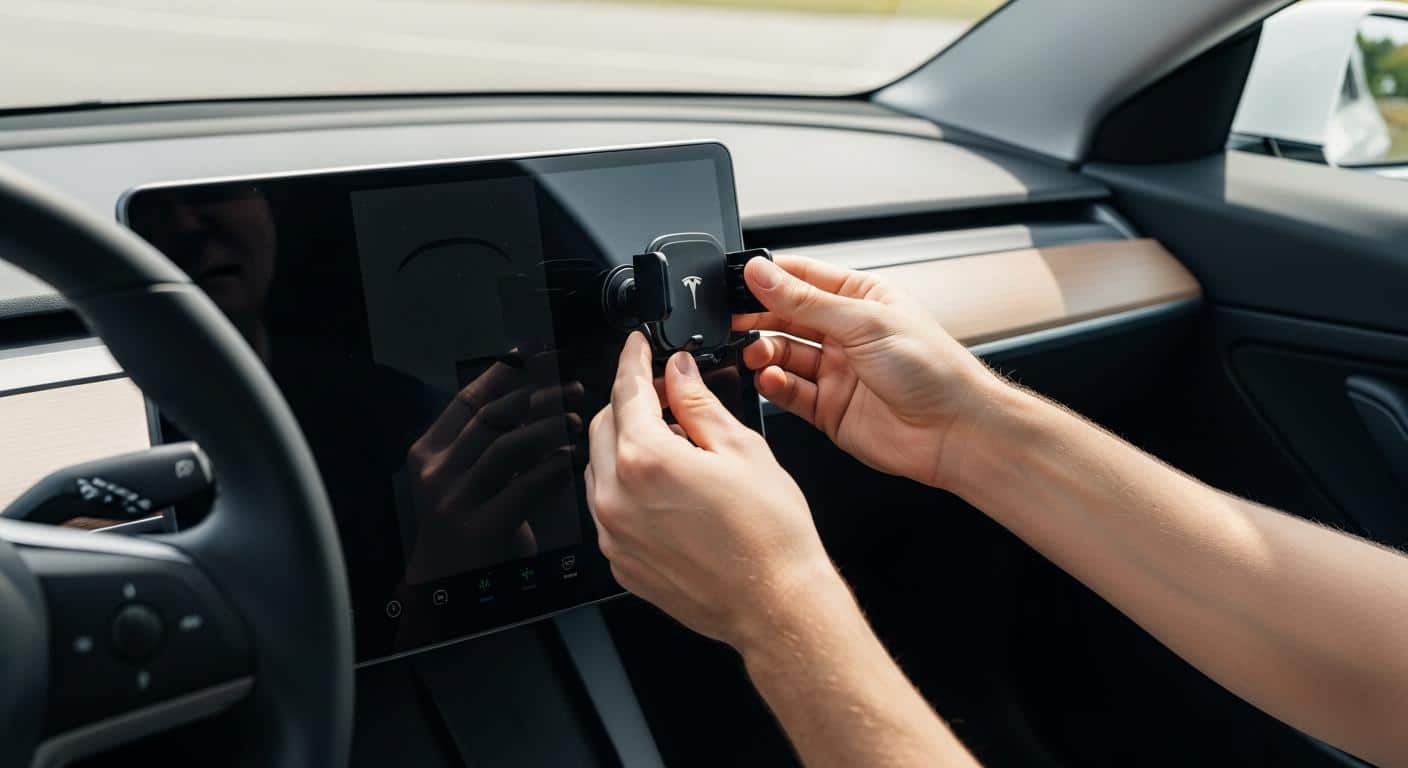
Installation and Daily Use Tips
Some practical tips to optimize your installation from the delivery of your Model 3:
- Pre-cleaning: Use isopropyl alcohol on the surface before attaching an adhesive mount. This ensures maximum and lasting adhesion
- Optimal Positioning: Make sure the mount doesn’t obstruct your visibility or access to essential controls. Test several positions before final attachment
- Regular Maintenance: Clean adhesive or magnetic parts monthly to maintain their effectiveness
- Case Compatibility: Check that your mount works with your case, especially if it’s thick or has a wallet
Like other practical Tesla accessories, a good phone mount truly improves your daily comfort. If you’re looking to optimize your mobile workspace with a laptop stand, the approach remains similar: prioritize quality and stability.
Mistakes to Avoid When Choosing Your Mount
I’ve seen quite a few testimonials from disappointed owners. Here are the classic pitfalls to absolutely avoid:
- Buying a generic, low-end mount not suited for the vibrations and performance of a Tesla
- Attaching your mount to fragile surfaces like the center screen or door trims
- Neglecting the actual size of your phone and finding out it doesn’t fit the mount
- Completely blocking the ventilation grilles, which disrupts the air conditioning
- Opting for poor-quality suction cup mounts that fall off at the first turn
- Forgetting to check compatibility with wireless charging if this feature interests you
Remember that the Tesla interior deserves quality accessories that respect its premium aesthetic. A €10 mount is likely to disappoint quickly.
The ideal Tesla Model 3 Y phone mount truly depends on your personal preferences and daily use. If you’re still hesitant, my advice is to start with a magnetic air vent mount: non-invasive, easy to install, and easy to remove if you change your mind.
According to industry experts, keeping your phone securely mounted and visible contributes to safer driving. A small accessory that truly enhances your daily driving comfort.
What about you, what mount do you use in your Tesla? Feel free to share your experience in the comments!
Profitez d'avantages exclusifs en achetant votre Tesla
Vous envisagez d'acquérir une Tesla ? En utilisant mon code de parrainage lors de votre achat, vous pouvez bénéficier d'avantages exceptionnels !
Des kilomètres gratuits de recharge ou d'autres récompenses exclusives, mon code de parrainage est votre passeport pour des avantages supplémentaires : https://ts.la/antoine49352 🤩
Pas de pression, juste une opportunité à saisir pour enrichir votre expérience Tesla.
Découvrez ici le système du parrainage et comment utiliser le code.
Get exclusive perks when buying your Tesla
Thinking about getting a Tesla? If you use my referral code when you purchase, you may be eligible for extra perks.
Free Supercharging miles or other exclusive rewards - my referral code can unlock additional benefits: https://ts.la/antoine49352 🤩
No pressure - just a simple option if you want to enhance your Tesla experience.
Learn how the Tesla referral program works and how to use the code.